Celebrations
Graduation Cap Toss
Hold to charge the throw, release to launch the cap into the sky — the apex bursts into fireworks that spell out a personalised congratulations.
Perfect for
What you customise
- • Graduate's name
- • Color theme
- • Game title
- • Subtitle / hint
- • Start button text
- • Apex moment text
How they play
- 1. They tap the link from any messenger.
- 2. The game loads in their browser — no app, no signup.
- 3. They play for ~30 seconds.
- 4. The personalised reveal screen appears with your message.
What they see
Your message in big animated text, their name pulsing in colour, confetti and fireworks, an optional handwritten signature, and a replay button if they want to play again.
Ready to send Graduation Cap Toss?
Personalise it in 30 seconds. No signup, no payment.
Make this cardYou might also like
See all →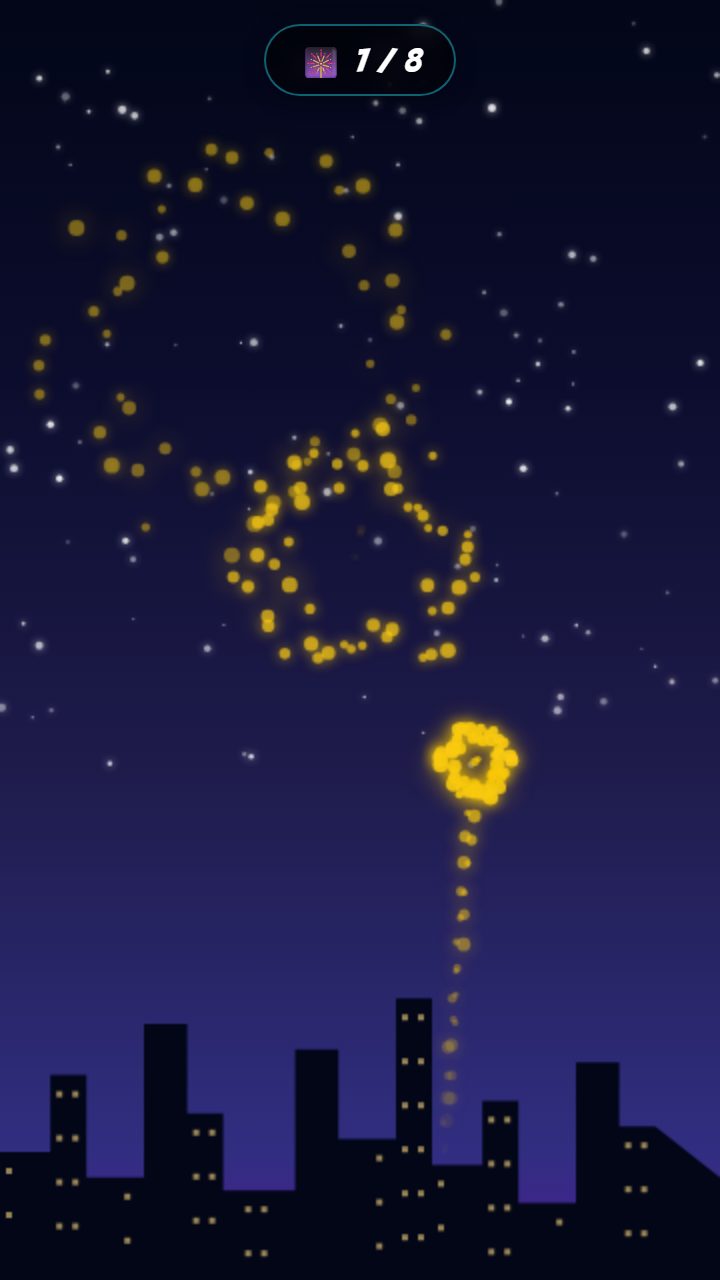
Fireworks Finale
Tap the night sky to launch fireworks above the city skyline.
- New Year
- Engagement
- Promotion
- +3 more
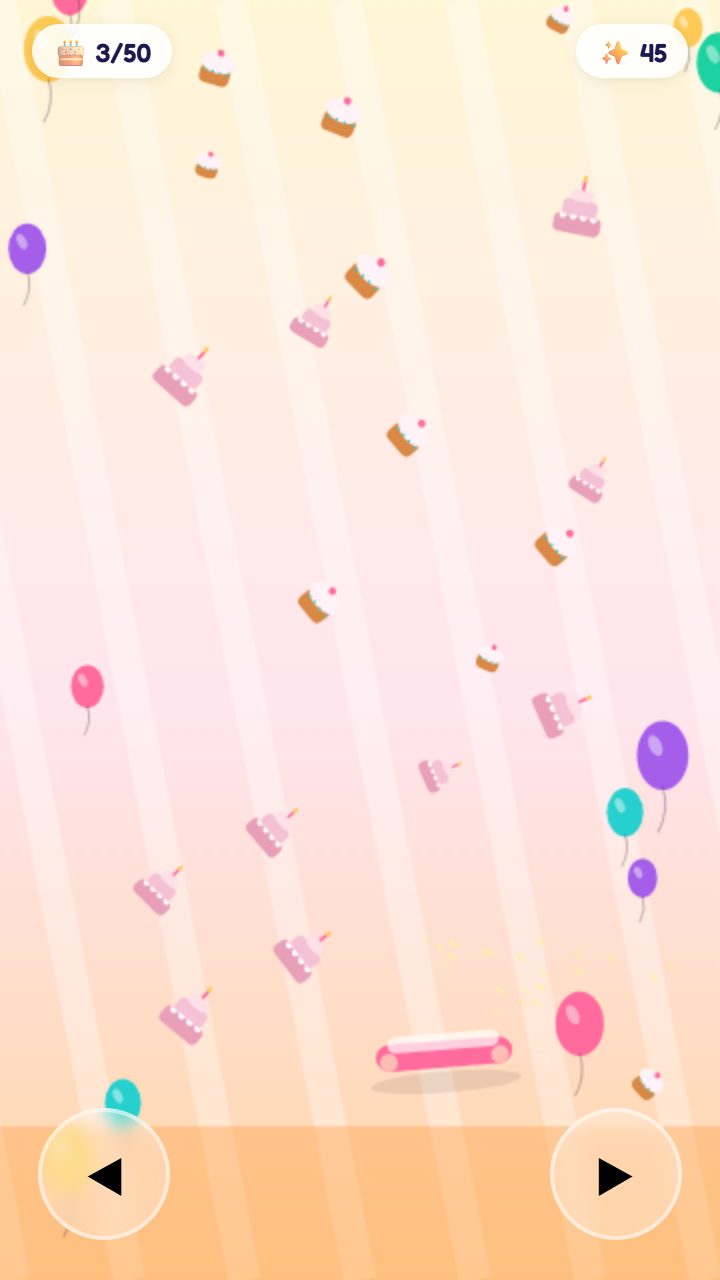
Birthday Cake Catch
Catch falling birthday treats, save the final cake, and reveal a personalized birthday…
- Birthday
- Milestone
- Surprise
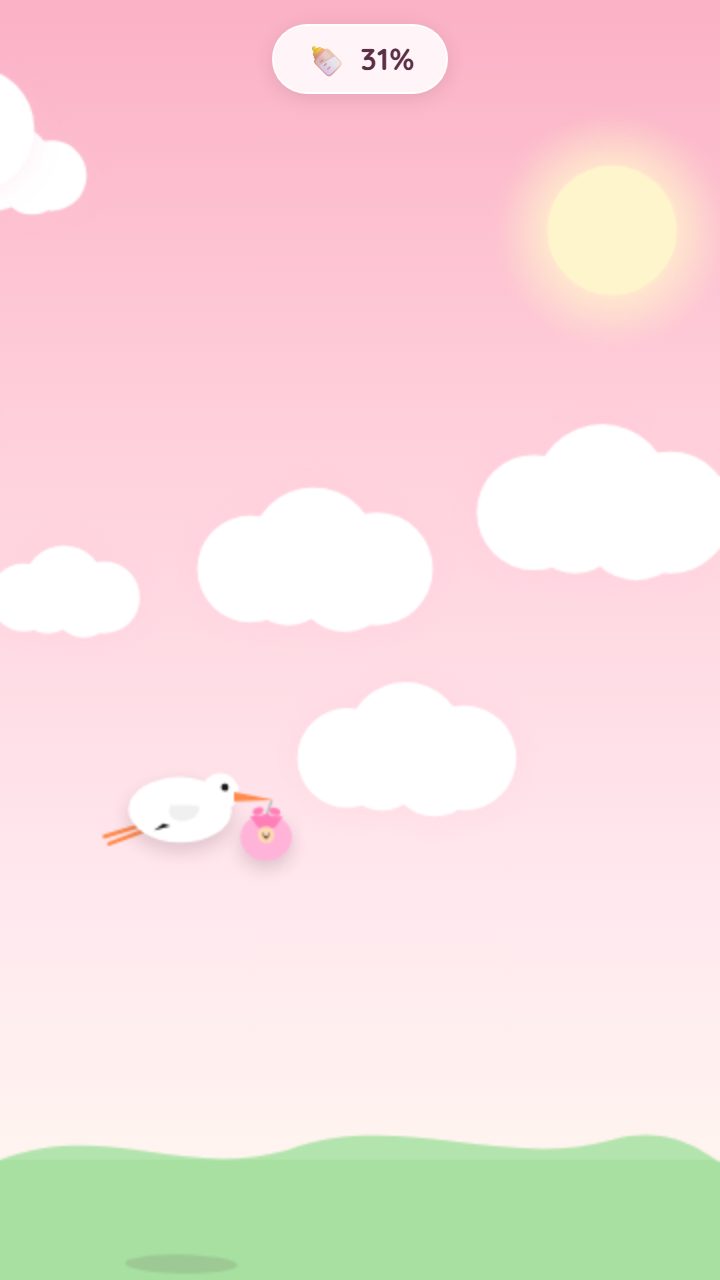
Stork Delivery
Tap to keep the stork aloft as it carries a precious bundle across the pastel sky towar…
- New baby
- Pregnancy reveal
- Baby announcement
- +2 more
Questions
What is Graduation Cap Toss?
Graduation Cap Toss is a personalised mini-game greeting card. The recipient taps a link, plays for about 30 seconds, and lands on the message you wrote — with their name, your colours, and your closing line. No app or signup needed.
How long does it take to make one?
About 30 seconds. Pick the colours, write your message, share the link. There's a live preview so you can see exactly what your friend will see before you send.
What does the recipient need?
Just a phone or computer with a web browser. They tap the link, the game loads, they play. There is no app to install, no account to make, and nothing to pay.
Is it really free?
Yes. Sending this card is free. You can make as many as you like.
How long does the link stay live?
Shared links stay active for 30 days from the time you create them. The recipient can replay the game as many times as they want during that window.
Can I customise the colours and the message?
Yes — recipient name, headline, message, sub-message, colour theme, and signature are all editable, with a live preview that updates as you type.